OPD Meaning in Hospital: Full Form, How OPD Works & Key Departments
The outpatient department is where people go for medical help without staying overnight. Knowing what opd meaning is helps us see how clinics work as the first stop for patients in India.
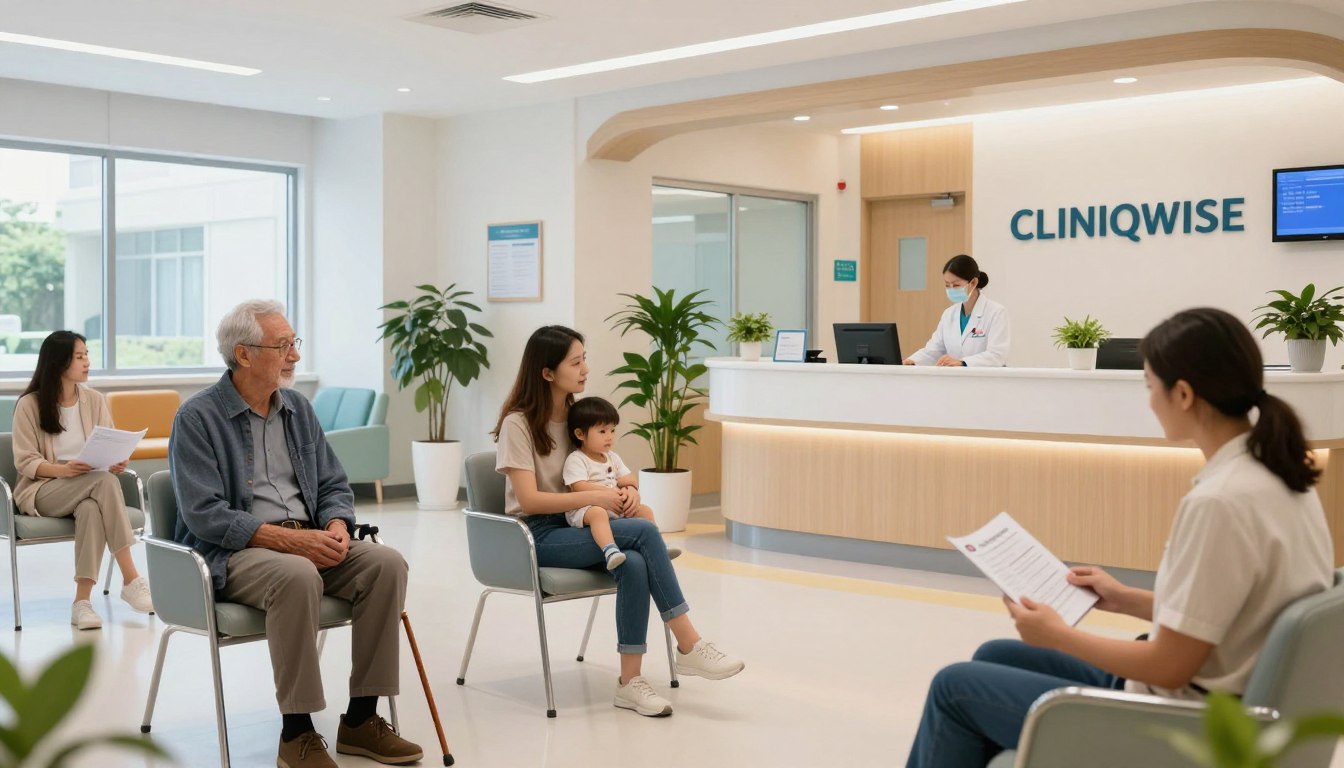
Quick Answer
OPD (Outpatient Department) is the part of a hospital where patients receive medical consultation, diagnosis, treatment, prescriptions and follow-up care without being admitted. It is usually the first point of contact for patients and plays an important role in managing routine consultations, specialist visits and ongoing healthcare needs.
These services link first visits with tests, treatments, and follow-up care. A smooth flow in this department is vital for better care for patients, doctors, and staff.
By making these processes better, hospitals can do more and help patients get better faster. This guide looks at the patient's path, key technologies, and top ways to manage these important areas well.
Busy OPDs use OPD management software to run tokens, prescriptions and billing from one screen.
Key Takeaways
The
outpatient department
acts as the vital first point of contact for patients.
Efficient workflows significantly improve the experience for both staff and those seeking care.
Services integrate consultations, diagnostics, and billing into a unified patient journey.
Optimised operations lead to better resource management and reduced waiting times.
Technology plays a crucial role in modernising these essential healthcare services.
Why OPD in hospital care matters
Every day, thousands of people use hospital OPD services. They get the care they need without staying overnight. This department is key for those seeking medical help, linking community health to advanced care.
OPD meaning and the role of the outpatient department
The opd meaning is the outpatient department. It's where patients get checked, advised, and treated without being admitted. It's a centre for tests and specialist talks. This way, patients get expert help without disrupting their daily lives.
How outpatient care supports the Indian healthcare system
In India, outpatient care is crucial. It helps hospitals serve many people well. It connects primary health centres to major hospitals. By handling many patients, hospitals focus on those needing more care.
Patients who commonly use hospital OPD services
Patients visit the opd in hospital for different reasons. Knowing this helps staff give better care. It ensures everyone gets the help they need quickly.
Walk-in patients, referred patients and scheduled visitors
People visit the facility in three main ways:
Walk-in patients:
Those who come without an appointment, often for minor issues.
Referred patients:
Sent by doctors or clinics for tests or expert advice.
Scheduled visitors:
Booked appointments for a smooth visit with a specialist.
Patients requiring urgent assessment without admission
Some patients need quick checks for urgent symptoms. They don't need a bed but need fast assessment. Proper checks and triage are vital to keep them safe while they wait.
OPD and IPD: Understanding the difference
Understanding the healthcare world is easier when you know the difference between outpatient and inpatient services. People often wonder if they need a quick visit or a longer stay. Knowing the difference between opd vs ipd helps with treatment plans and budgeting.
What happens in an OPD
An opd in hospital is where you get care without staying overnight. It's for things like check-ups, tests, and small procedures. You go, see a doctor, and then go home the same day.
What happens in an IPD
IPD care means you stay in the hospital for a night or more. It offers continuous medical supervision and advanced nursing care. It's for those needing close monitoring, complex surgeries, or treatments that can't be done at home.
Key differences in admission, monitoring, cost and duration
OPD is for quick, convenient care, while IPD focuses on comprehensive clinical oversight. IPD costs more because of room charges, nursing, and 24-hour medical watch.
Comparison table: OPD versus IPD
Feature | OPD (Outpatient) | IPD (Inpatient) |
Admission Status | No formal admission | Formal admission required |
Length of Stay | Same-day visit | Overnight or longer |
Supervision | Limited to consultation | 24/7 clinical monitoring |
Typical Cost | Lower | Higher |
When an OPD patient may need hospital admission
At times, an OPD visit can turn into a need for inpatient care. This happens if the doctor finds you need closer observation or urgent surgery. If tests show you're at high risk, you'll be admitted for safety and recovery.
How to complete the OPD patient journey
Efficient hospital care needs a clear path for patients. A good opd workflow helps use resources well. It keeps patients safe and happy.
Step 1: Find the appropriate department and doctor
Choosing a speciality, clinic day and appointment slot
First, find the right medical speciality for your needs. Look at the hospital schedule for the best day and time. This makes sure you see the doctor when they're free.
Preparing identification, medical records and referral documents
Bring your ID and medical records for a smooth visit. If you have a referral, have it ready. It helps the specialist understand your health history.
Step 2: Complete OPD registration
Collecting patient details and creating a medical record
The opd registration starts your digital health file. Staff gather your details and create a medical record. This ensures your care is continuous.
Using hospital counters, kiosks, online forms or mobile registration
Hospitals offer many ways to register. You can use counters, kiosks, online forms, or apps. This makes waiting shorter.
Step 3: Confirm the appointment and manage the queue
Receiving a token number, waiting-time update or appointment confirmation
After registering, you get a token number or digital confirmation. Updates on waiting times help you plan. It makes moving around the hospital easier.
Prioritising elderly patients, children and clinically urgent cases
A caring opd workflow puts vulnerable patients first. Staff quickly spot urgent cases. They get help right away.
Step 4: Attend the consultation
Recording symptoms, medical history and vital signs
Nurses take your vital signs before the doctor sees you. This gives the doctor a clear picture of your health.
Supporting communication between patient, nurse and doctor
Good communication is key during the consultation. Talk openly about your symptoms. Nurses help the doctor understand your situation.
Step 5: Complete diagnosis and investigations
Ordering laboratory tests, imaging and specialist opinions
The doctor might order tests or ask for a second opinion. This helps get a clearer diagnosis.
Linking investigation results to the correct patient record
It's important to link test results to your file correctly. This avoids mistakes. It lets the team review findings quickly.
Step 6: Receive the treatment plan and prescription
Explaining medicines, dosage, precautions and lifestyle advice
The doctor explains your treatment plan. This includes how to take your medicine and any lifestyle changes. It's important to follow these to recover well at home.
Giving clear instructions for tests, referrals or admission
If more action is needed, the doctor tells you what to do next. This includes any tests or if you need to be admitted. It helps you know what to do.
Step 7: Finish billing, pharmacy and follow-up
Generating bills, receipts and insurance-related documents
The last step is to settle your bill and get receipts for insurance. A smooth opd registration and billing system makes this quick and clear.
Scheduling review appointments and monitoring continuing care
Before you leave, book any follow-up appointments. This ensures the hospital can keep track of your progress. It offers consistent support for your ongoing care.
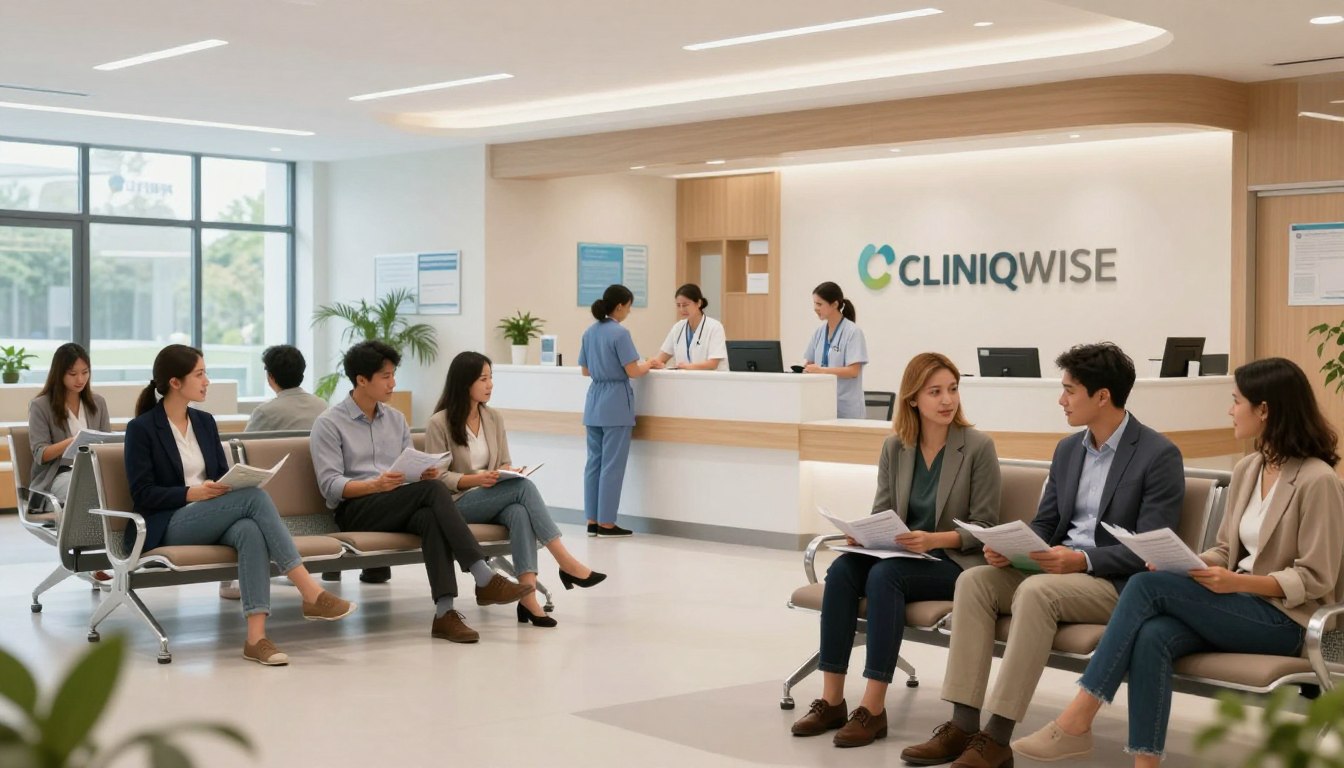
Common OPD services provided by hospitals
The outpatient department is the main entry point for patients in India. It offers care without the need for overnight stays. Hospitals provide a wide range of medical support, helping patients quickly with their health issues.
General medicine and primary outpatient consultations
General medicine is key in outpatient care. People often go there for common illnesses or discomfort. General practitioners help direct patients to the right care path.
Surgical, orthopaedic, gynaecological and paediatric clinics
Hospitals also have special clinics for different health needs. These include surgical, orthopaedic, and gynaecological services. Paediatric clinics offer care for children in a friendly setting.
Specialist consultations and referral services
For complex conditions, hospitals offer specialist consultations. These include cardiology, neurology, and oncology. Effective referral systems help patients move to expert care smoothly.
Diagnostic tests, imaging and sample collection
Modern hospital OPD operations focus on accurate diagnostics. Patients get access to advanced imaging and lab services. These are crucial for diagnosis and treatment planning.
Minor procedures, dressings, injections and preventive care
Many patients need quick, non-invasive treatments. This includes wound dressings and injections. These opd services help keep patients comfortable and prevent complications.
Vaccination, health checks and chronic disease monitoring
Preventive care is vital for long-term health. Hospitals offer vaccinations and health check-ups. Chronic disease monitoring helps keep patients stable and avoids emergencies.
"The true measure of a healthcare system is not just how it treats the critically ill, but how effectively it manages the health of the entire community through accessible outpatient services."
Pharmacy, counselling, physiotherapy and rehabilitation support
Support services help patients recover and stay well. An on-site pharmacy provides immediate medication. Counselling, physiotherapy, and rehabilitation programmes support patients' recovery and independence.
Why organised OPD management improves hospital care
Improving patient care starts with better management of daily visits. Good opd management makes every hospital interaction useful, on time, and supports health goals.
Benefits for patients and families
Shorter queues, clearer communication and fewer repeated visits
Long waits and confusing hospital processes stress patients. Better outpatient care cuts down on queues and unnecessary visits. Clear instructions help families understand treatment plans, lowering anxiety and boosting satisfaction.
Better continuity for patients with diabetes, hypertension or other long-term conditions
For those with chronic illnesses, consistency is key. Organised systems track health markers over time. This continuity of care helps doctors monitor conditions like diabetes or hypertension, preventing complications through timely actions.
"The true measure of a hospital's quality is not just in its surgical theatres, but in how seamlessly it manages the daily journey of every patient seeking routine care."
Benefits for doctors and clinical staff
Access to complete patient histories and investigation results
Doctors work best with full patient medical backgrounds. Digital systems provide instant access to past results, leading to accurate diagnoses. This reduces manual record-keeping, focusing on patient care.
More predictable schedules and better consultation planning
Predictable schedules help doctors manage time better. Well-coordinated appointments reduce stress, ensuring high outpatient care standards all day.
Benefits for reception, billing, pharmacy and administration teams
Co-ordinated work across registration, consultation and payment desks
Efficiency comes from smooth hand-offs between teams. Synchronised registration, billing, and pharmacy teams move patients smoothly. This co-ordinated workflow prevents delays and keeps admin tasks from slowing down care.
More accurate records, reports and operational decisions
Accurate data is vital for hospital management. Reliable records help spot trends, allocate resources, and inform decisions. The table below shows how organised systems improve hospital functions:
Department | Before Organisation | After Organisation |
Reception | Manual, slow registration | Digital, rapid check-in |
Billing | Fragmented, error-prone | Integrated, transparent |
Pharmacy | Delayed stock updates | Real-time inventory sync |
Administration | Guesswork-based planning | Data-backed strategy |
How to build an efficient OPD workflow
An efficient opd workflow is key to a top-notch medical facility. It helps streamline patient care, easing stress for both staff and patients.
Step 1: Map every stage from arrival to follow-up
Identifying hand-offs, waiting points and duplicate data entry
Start by mapping out the patient's journey. Note every interaction, from entering the reception to leaving.
Spot delays and repetitive tasks where patients wait or staff do the same work. Cutting down on duplicate data entry speeds things up.
Step 2: Set clear responsibilities for each OPD team
Defining duties for receptionists, nurses, doctors, billing staff and pharmacy teams
Clear roles prevent confusion, even in busy times. Each team member must know their part in the opd management process.
Receptionists handle registration, nurses manage patient prep, and doctors focus on exams. Support staff take care of admin tasks.
Step 3: Standardise registration and consultation information
Using consistent demographic, clinical and billing fields
Standardising data ensures smooth flow between teams. Uniform patient records reduce errors and save time.
Maintaining privacy, consent and accurate patient identification
Keeping patient data safe is a critical priority. Always get consent and follow strict ID protocols to protect privacy.
Step 4: Coordinate appointments, queues and resources
Balancing doctor availability, room capacity and expected patient volume
Effective coordination means matching supply with demand. Monitor doctor schedules and room use to avoid delays.
Step 5: Close every visit with billing and follow-up instructions
Checking that prescriptions, reports, referrals and review dates are recorded
A visit isn't complete without clear next steps. Make sure all prescriptions and follow-up dates are noted before the patient leaves.
Step 6: Measure performance and improve the process
Tracking waiting time, consultation time, no-shows and patient feedback
Using data for better decisions is crucial. Track important metrics to spot areas for improvement.
Regularly check patient feedback to understand their experience. Use this to refine your approach and meet patient needs better.
Operational challenges in hospital OPD services
High-quality care is hard to achieve without tackling common problems in hospital outpatient departments. Good opd management is key. It helps patients get timely care and keeps staff focused.
Long queues, overcrowding and unpredictable patient volumes
In India, many hospitals struggle with big, changing crowds. Unpredictable numbers of patients cause long waits. This can upset patients and overwhelm staff.
Manual registration, duplicate records and data-entry errors
Paper-based systems often slow things down. Manual registration can lead to duplicate records and mistakes. These errors can mess up patient medical histories.
Appointment delays, no-shows and poor queue visibility
Without good tracking, delays are common. High no-show rates and unclear queues make it hard for doctors to plan. This leads to gaps in service.
Communication gaps between clinical and administrative teams
Teams often lack real-time info, causing tension. When they don't work together, patients suffer. Expectations and coordination can go awry.
Prescription, billing and investigation co-ordination problems
Broken workflows slow down care. Delays in moving between steps can cause billing mistakes. This adds to patient wait times.
Privacy, data security and compliance responsibilities
Hospitals must protect patient privacy at all times. Not doing so can risk legal trouble and damage trust.
Protecting sensitive health information in paper and digital records
Both paper and digital opd management systems need strict access controls. Only those with permission should see medical records. This is crucial for healthcare security.
Practical ways to reduce these challenges
By adopting structured strategies, hospitals can improve. These changes make care more predictable and patient-friendly.
Using triage, appointment rules, standard operating procedures and staff training
Triage:
Use a system to sort patients by urgency.
Appointment Rules:
Set clear rules for booking and cancellations to cut no-shows.
Standard Operating Procedures:
Have uniform protocols for staff to follow, ensuring consistent
opd management
.
Staff Training:
Regular workshops help the team use software tools well.
How hospital management software supports OPD operations
Using a strong hospital management software changes how outpatient departments work. It moves away from old paper systems. This makes sure every interaction is recorded well and fast.
Digital OPD registration and patient record creation
Capturing demographic details, identifiers, history and referral information once
The start of a good opd registration process is having all patient data in one place. Digital systems help staff put in patient details, medical history, and referral info into one safe profile.
This stops the need for lots of paper work. It means doctors can quickly see a patient’s history. This is key for giving top care.
Appointment scheduling and queue management
Managing doctor calendars, tokens, rescheduling, cancellations and reminders
Modern digital opd management tools make planning patient visits easier. They manage doctor schedules and token systems. This cuts down waiting times a lot.
Patients get reminders on time, which cuts down on missed appointments. If plans change, the system makes it easy to reschedule or cancel. This keeps the opd workflow smooth and easy to follow.
Consultation workflow and electronic clinical documentation
Recording symptoms, observations, diagnoses, notes and investigation requests
Doctors can record symptoms and notes live during consultations. This electronic documentation keeps all records in the patient file. It makes sure nothing is lost.
This way, care can be continued without a hitch. Past notes are always there for the next visit.
Electronic prescriptions and treatment instructions
Improving legibility while supporting medicine, dosage and follow-up guidance
Handwritten prescriptions can be hard to read. An opd management system fixes this by making clear, printed prescriptions. They include exact dosage and follow-up plans.
"Technology in healthcare is not just about digitising records; it is about creating a seamless bridge between the doctor's intent and the patient's recovery."
Integrated billing, pharmacy and diagnostic processes
Connecting services, invoices, payments, reports and receipts to the patient record
When billing, pharmacy, and diagnostic services are all connected, things get more efficient. Every payment and report is linked to the patient’s file.
This stops money from being lost and pharmacy staff can quickly find the right meds. It makes the financial side clear for both the hospital and the patient.
Reports and dashboards for OPD management
Reviewing attendance, revenue, waiting time, speciality demand and doctor utilisation
Using data to make decisions is key for growth. Dashboards help track important things like how many patients come, how much money is made, and how long people wait.
Looking at what specialities are busy and how doctors are used helps plan better. This is important for keeping service quality high everywhere.
CliniqWise as an example of digital OPD support
Using CliniqWise for registration, appointments and consultation workflows
Platforms like CliniqWise show how software can handle many tasks. It makes a clear space for signing up, booking appointments, and keeping clinical records.
Supporting prescriptions, billing and related hospital and clinic operations
These systems also handle complex tasks like pharmacy and billing. This keeps the whole opd workflow working well and ready for patients.
Assessing software according to workflow fit, usability, security and support rather than promotion alone
When picking a hospital management software, look beyond what it says it can do. It’s important to see how well it fits with what you already do, how easy it is for staff to use, and how safe it is.
Choosing reliable support and keeping data safe is key for lasting success. The right opd management system lets staff focus on what’s most important: patient health.
How to choose and implement an OPD management system
Starting to modernise your outpatient services means picking the right management platform. A well-thought-out transition ensures your facility runs smoothly. It also improves the experience for patients and staff.
Step 1: Define the hospital’s OPD requirements
Listing departments, patient volumes, payment methods and referral pathways
Before picking an opd management system, document your current needs. List all departments that will use the software, from general medicine to special clinics.
Look at your daily patient numbers to make sure the system can handle busy times. Also, map out your preferred payment methods and referral paths. This ensures the software fits your financial and clinical workflows.
Step 2: Check essential features
Evaluating registration, appointments, queues, consultation notes, prescriptions and billing
Your chosen hospital management software needs to have a wide range of tools. Look for platforms that make registration easy, manage queues well, and let doctors write digital notes and prescriptions fast.
Checking laboratory, radiology, pharmacy, insurance and reporting integrations
Good connectivity is key for efficient operations. Make sure the system works well with your lab, radiology, and pharmacy. It should also handle insurance claims and offer strong reporting tools for management.
Step 3: Assess usability for every staff group
Testing screens and workflows for receptionists, nurses, doctors and administrators
Technology works best if your team finds it easy to use. Do hands-on testing with staff from all departments before buying. Everyone should find the interface easy to use and help reduce their work.
Step 4: Plan migration, training and patient communication
Moving reliable records, training teams and explaining new appointment options
A good rollout needs a clear migration plan for patient records. Offer thorough training to make your team confident with the new digital opd management tools. Also, tell patients about new appointment options clearly to make the transition smooth.
Step 5: Protect data and monitor results
Reviewing access controls, backups, audit trails and applicable Indian requirements
Data security is crucial in healthcare today. Your system should have strong access controls, regular backups, and detailed audit trails. It must also meet all Indian data protection laws.
Comparing waiting time, errors, patient satisfaction and staff workload before and after implementation
Track the success of your system by looking at important indicators. Compare waiting times, errors, patient satisfaction, and staff workload before and after the system goes live. This data helps improve your processes and get the most from your investment.
Practical checklist for better outpatient care in India
To excel in outpatient care, a structured plan is needed. This plan should be followed by both patients and medical facilities. It helps in reducing confusion and boosts the efficiency of the clinical journey.
Patient-facing OPD checklist
Carry identification, previous reports, prescriptions and insurance documents where relevant
Patients should always come prepared for a smooth opd registration process. Bringing a valid ID, all medical reports, and current prescriptions helps doctors make quick decisions.
Confirm the department, appointment time, fees and follow-up requirements
Before you leave, check the department and time for your visit. Knowing the fees and any follow-up instructions helps avoid stress at the hospital opd.
Hospital OPD checklist
Provide visible directions, accessible counters, token information and help-desk support
Hospitals need to make navigation easy for visitors. Clear signs, help desks, and digital token systems improve opd services.
Separate urgent assessment from routine appointments when clinically appropriate
Efficient triage is crucial for safety. Separating urgent cases from routine consultations helps manage patient flow better and reduces overcrowding.
Keep registration, consultation, diagnostics, pharmacy and billing information connected
Integration is key in modern outpatient care. Ensuring data flows smoothly between departments prevents errors and saves time for staff and patients.
Quality and safety checks
Verify patient identity before consultation, tests, prescriptions and billing
Patient safety begins with correct identification. Staff must check details at every step to avoid mistakes.
Give understandable instructions and document referrals, warning signs and review dates
Clear communication helps patients manage their health at home. Always provide written instructions on medication, potential warning signs, and the next review date.
Simple indicators to review each month
Patient waiting time, no-show rate, consultation capacity and unresolved billing issues
Tracking performance metrics helps hospitals improve opd services continuously. The table below shows key indicators to monitor for maintaining high standards.
Indicator | Goal | Action Required |
Average Waiting Time | Under 30 Minutes | Optimise scheduling |
No-Show Rate | Below 10% | Send SMS reminders |
Consultation Capacity | Full Utilisation | Adjust doctor rosters |
Unresolved Billing | Zero Pending | Audit daily accounts |
Conclusion
Effective outpatient care is key for patients needing medical help. A well-run opd in hospitals means people get quick checks, tests, and treatment plans. They don't need to stay in hospital all the time. This makes care more comfortable and efficient.
Working smoothly together, teams make a big difference. When admin and doctors work as one, the hospital runs better. Using top-notch hospital management software, like CliniqWise, is crucial. It makes records digital, manages waiting times, and sorts out bills, making things easier.
Hospital leaders must pick technology that meets patient needs and keeps data safe. Choosing the right digital tools is all about finding a balance. This way, healthcare can grow and improve, offering the best care to all patients.
Looking for an Enterprise Solution?
Discover how Cliniqwise helps clinics & hospitals automate workflows, reduce errors, and streamline patient care.
Frequently Asked Questions
What is the primary OPD meaning in a healthcare setting?
OPD stands for Outpatient Department. It's where patients first meet the hospital. Here, they get medical advice, tests, and treatments without staying overnight. It's the start of outpatient care, from first contact to ongoing treatment.
What are the main differences when comparing OPD vs IPD?
OPD and IPD differ in how long you stay and the care you get. OPD is for same-day visits, while IPD means you stay longer for more care. OPD is often cheaper and more flexible, but you might move to IPD if you need more care.
What does a typical OPD workflow look like for a patient?
A typical OPD visit starts with checking in. Then, you see a doctor who checks your health. Next, you might have tests or get a treatment plan. You'll also get your medicines and pay your bill.
What specific OPD services are available in most hospitals?
Hospitals offer many OPD services. These include general medicine, paediatrics, and orthopaedics. They also have imaging, vaccinations, and minor surgeries. Plus, they offer physiotherapy and nutrition advice.
How does a digital OPD management system improve hospital operations?
A digital system like CliniqWise makes things better. It cuts down on mistakes and waits. It helps manage schedules and prescriptions, making care safer and more efficient.
What should hospitals look for when selecting hospital management software for outpatient care?
Hospitals need software that works well with registration, notes, and pharmacy. It should manage queues well, keep data safe, and be easy for everyone to use. CliniqWise is a good example of this.
Why is organised OPD management essential for treating chronic conditions?
Good OPD management is key for long-term conditions like diabetes. It keeps care consistent by giving doctors the right info. This means less repeat tests and better health tracking.
What practical steps can a hospital take to reduce overcrowding in the Outpatient Department?
Hospitals can tackle overcrowding by standardising their workflow and using appointment systems. Triage helps sort urgent from routine cases. Clear signs and updates also help reduce waits.
What documents should a patient carry for an efficient OPD registration?
Patients should bring ID, medical records, prescriptions, and referral letters. Insurance documents are also important for billing. This makes the registration process smoother.