How OPD Management Software Improves Daily Clinic Reporting
See how OPD management software streamlines daily clinic reporting with accurate insights, faster workflows, and better decisions. Explore key benefits.

Quick Answer
Every evening at 8:00 PM closing, a clinic or hospital owner must review 5 core operational metrics from their OPD management software to eliminate verbal blind spots and verify clinic profitability: 1. Total OPD Patient Footfall: Count completed consultations, segregated by new registrations, follow-ups, and walk-ins vs. online appointments. 2. Doctor-Wise Patient Distribution: Track completed consultations and occupied chamber minutes against each doctor’s rostered OPD slot capacity. 3. Realized Daily Collection: Reconcile actual settled payments, strictly separating physical cash in the drawer from digital Dynamic UPI QR settlements. 4. Pending Balances & Unsettled Dues: Audit open patient accounts, unpaid pharmacy orders, and unbilled lab tests before closing the shift. 5. Cancelled Tokens & No-Shows: Inspect patient drop-offs, queue abandonments, and status errors to resolve waiting-room bottlenecks.
How do you know if your outpatient department ran profitably today or if patients walked out frustrated by long wait times? For Indian clinic and hospital owners, relying on verbal receptionist summaries at 8:00 PM closing creates dangerous blind spots. Which 5 daily operational metrics from your OPD management software should you review every evening to track patient footfall, verify cash-UPI collections, and spot doctor room idle time?
OPD management software is a cloud-based healthcare platform that streamlines outpatient operations from patient registration and automated token queue allocation to single-screen electronic prescriptions and daily billing reconciliation. It gives clinic teams one shared view of outpatient work from arrival through payment and end-of-day review.
Use the 8:00 PM closing to check today’s footfall, doctor room utilization, collections, and open exceptions. A daily report helps you separate completed work from impressions shared at the reception desk. It also gives you a clear record to act on tomorrow.
Key Takeaways
Compare patient footfall with the tokens issued and consultations completed.
Review doctor-wise workload against each doctor’s rostered OPD session.
Separate settled cash and digital UPI QR payments from unpaid dues.
Check cancelled tokens and no-shows before closing the day’s count.
Assign every billing or workflow exception to a named staff member.
Make the evening review a fixed operating habit, not an occasional check after a problem surfaces.
What Is OPD Management Software?
OPD management software is a digital platform for coordinating outpatient care, from patient registration and token allocation to consultations, prescriptions, billing, and daily reconciliation. It gives clinic staff and owners a shared record of each patient’s progress, helping them review operational activity from arrival through payment and closing.
A connected record lets your team follow each OPD handoff from registration to payment, rather than piecing together separate notes. Outpatient registration and Token Queue work can sit within one OPD management software workflow.
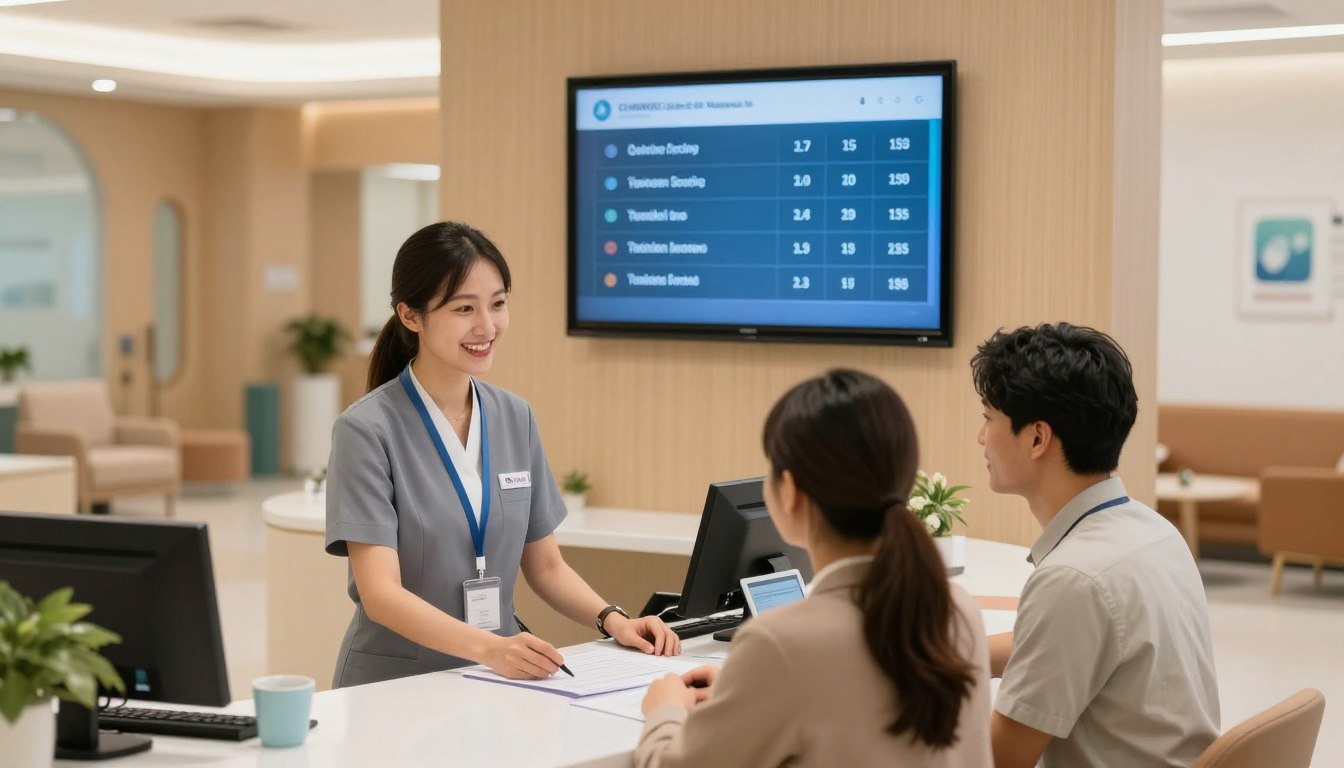
Choose the workflow that lets staff record each OPD handoff as it happens and gives the owner a clear closing view.
Workflow | Manual Paper Registers | Basic Spreadsheets | Integrated Cloud OPD Management Software |
Registration and queue | Staff write patient details and call tokens from a register. | Staff enter details in rows and update a separate queue sheet. | Staff record registration and allocate tokens in a shared workflow. |
Billing and reconciliation | Staff total bills and payments from paper entries. | Staff enter bills and payments in cells, then compare totals. | Staff record bill items and payment modes in connected daily records. |
Owner’s daily report | The owner reviews registers and asks staff for totals. | The owner opens a saved sheet or receives an emailed copy. | The owner reviews daily activity through a shared report view. |
With paper, the closing view depends on staff gathering several records. A spreadsheet can make totals easier to read, but staff must still keep separate files in sync. A cloud workflow records the activity in one place, provided the team enters each handoff promptly.
Check which steps your clinic records at the time they happen. A token issued but never marked as called can distort the day’s picture. A bill with no payment status leaves the owner unsure whether the patient paid, owes a balance, or needs follow-up.
The platform should match the way your OPD actually works, including walk-ins, follow-up visits, doctors’ sessions, and counter payments. Choose the workflow that makes the closing figures traceable to the day’s entries.
3 Operational Blind Spots in Traditional Indian OPD Setups
Traditional Indian OPD setups often lack structured visibility into queue movement, doctor-room utilization, and verified closing figures. Without a clear queue view, patients may crowd reception while waiting, and some may walk out before consultation. These gaps make it harder to confirm patient flow, workload, and billing at closing.
At closing, each blind spot needs a record you can check, not only a staff member’s best estimate. These examples show what may be missing.
Waiting-room congestion: At 6:30 PM, patients crowd the reception desk to ask when their turn will come. Without queue status, you cannot tell how many are waiting, who left before consultation, or when the hall became crowded.
Doctor chamber idle time: Reception calls tokens at a fixed pace while one consultation runs long. Another doctor’s room may sit empty as patients wait elsewhere. At closing, you need completed consultations and occupied minutes by doctor, not just tokens issued.
Verbal staff feedback: A receptionist says several patients left, while the billing counter recalls unpaid lab charges. Without linked token and bill references, you cannot confirm who left or which account remains open.
These gaps can affect patient flow and make staff feedback hard to compare across shifts. Ask for the patient token, doctor, or bill number when an exception occurs. That small reference turns a broad report into a checkable event.
For example, “the queue was slow” does not tell you whether arrivals peaked, a consultation ran late, or staff missed a token call. A specific token and time help you trace the event without guessing.
Ask staff to report exceptions with a token, doctor, or bill reference so the closing review can verify what happened.
The 5 Numbers Every Clinic Owner Must Check Every Evening
At 8:00 PM, review five measures: total OPD footfall, doctor-wise patient distribution, realized daily collection, pending balances, and cancelled tokens or no-shows. Read them together, distinguish new from follow-up visits, and separate settled cash or UPI payments from amounts still due before deciding whether the day’s records reconcile.
Count completed patient activity, then compare it with the records that explain it. OPD analytics can group footfall by day, week, or month, department, and subspecialty. Each number below needs a calculation and a closing check.
Total OPD Patient Footfall
Count completed consultations for the day, then split new registrations from follow-up visits. Also compare walk-ins with appointments and group arrivals by department or subspecialty. This shows whether today’s load came from new patients, returning patients, or scheduled sessions.
Compare the daily total with the same weekday or period in your own clinic records. Review peak arrival hours to see when reception and waiting areas carried the heaviest load. For retention, check whether first-visit patients return within 30, 60, or 90 days, and flag scheduled follow-ups that were missed.
Investigate a gap between registered patients and completed consultations. A patient may have arrived but left before seeing a doctor, or staff may not have marked the visit complete.
Doctor-Wise Patient Distribution
Count consultations completed by each doctor, then group results by specialty, room, and OPD session. Compare patient load with consultation duration and patients seen per hour or session. This shows who handled the workload, rather than assuming every room stayed busy.
Calculate room utilization as consultation minutes used divided by consultation minutes available, multiplied by 100. Available minutes must reflect the doctor’s actual rostered OPD session, not the clinic’s full opening hours. Room utilization measures consultation time against available consultation time, not tokens issued.
Review occupied doctor time against available slot capacity. Check a low figure against late starts, breaks, cancellations, or an inaccurate roster. A high token count alone does not prove the doctor completed those consultations.
Realized Daily Collection
Add payments received and settled during the day, separating physical cash from digital payments, including Dynamic UPI QR payments. Use the amount actually collected, not the total value of bills raised. Compare the sum with the billing register and the counter’s payment records.
Check whether a bill was partly paid or marked as paid before the transaction settled. Investigate mismatches between the bill total and the cash or UPI record. Keep refunds or cash paid out visible in the supporting record.
Pending Balances and Unsettled Dues
Add each open patient balance, including lab or pharmacy charges that remain unpaid after consultation. Compare today’s unpaid total with the bills marked partly paid or pending. Keep the patient, bill, and remaining amount identifiable for staff follow-up.
Investigate a lab charge that appears on the doctor’s order but not on the counter invoice. Also check whether a patient left before payment or paid only part of the amount due.
Cancelled Tokens and No-Shows
Count tokens cancelled by staff separately from scheduled patients who did not arrive. Track patients who abandon the queue before consultation as a distinct exception when your system records it. Compare these counts with appointments and walk-ins.
Check whether staff cancelled a token after consultation instead of recording a completed visit. A wrong status can make footfall appear lower and cancellations higher than they were.
Number | Calculation or count | Closing check |
Total OPD patient footfall | Completed consultations, split by visit type | Review peak hours and missed follow-ups |
Doctor-wise patient distribution | Completed consultations by doctor | Compare occupied time with rostered slots |
Realized daily collection | Settled cash plus settled UPI | Match payments with bills |
Pending balances | Sum of open patient dues | Identify lab or pharmacy balances |
Cancelled tokens and no-shows | Count each status separately | Check abandoned queues and status errors |
Investigate a mismatch between token activity and completed consultations before treating the day’s patient count as final.
How to Turn an 8:00 PM Report Into an Action Plan
An 8:00 PM report becomes an action plan when the owner compares the five daily measures with expected workflow, identifies the most significant variance, and assigns a staff member and follow-up time. Reviewing patterns by doctor, department, and arrival period helps ground operational changes in recorded activity.
End each review with a named exception, a staff owner, and a time to check again. Start with the saved daily report and compare it with the clinic’s expected workflow. Focus on the largest gap first, rather than giving every small variation the same attention.
Signal | First check | Operational response |
Footfall differs from token activity | Compare registration, token status, and completed visits | Ask reception to trace unmatched tokens by closing time |
Doctor load differs by room | Compare completed consultations with the roster | Ask the medical director to review the session record |
Collection differs from billed amount | Match bills with cash and UPI records | Assign the counter lead to check each unmatched bill |
Dues remain open | Check the patient account and unpaid order items | Assign a staff member and a reminder follow-up time |
Use this operational formula: room utilization = consultation minutes used ÷ consultation minutes available × 100. Available time must reflect the doctor’s actual rostered OPD session. A doctor rostered for a shorter clinic session should not be judged against the full day.
Look for repeat patterns before changing doctor-slot capacity. A doctor may have high demand during one arrival period and lighter demand later. A polyclinic administrator can compare the pattern by department before moving rooms or shifting staff coverage.
Use patient retention checks to separate one-day footfall from repeat care. If first-visit patients miss their planned follow-up, have the responsible team check appointment records and the clinic’s follow-up process. Do not infer a cause from the count alone.
A revenue summary gives the owner a view of billed and received amounts, while the exception list explains where they differ. Daily decisions should follow a verifiable record: assign a person, state the needed check, and set a specific follow-up time.
Record the exception and its assigned owner alongside the day’s report so the same question does not rely on memory tomorrow.
How Automated Token Queues Eliminate Waiting Hall Chaos
A digital Token Queue is a live system for showing patients their place in the outpatient line and letting staff manage calls and priority changes. Token displays and WhatsApp position updates can reduce reliance on repeated receptionist calls, while staff retain responsibility for applying the clinic’s priority protocol.
Keep the live queue visible to patients and under staff control. At a crowded waiting hall, repeated calls can draw people back to the reception desk. A visible token position gives patients a clearer way to follow the queue.
Token displays and live queue updates
A digital LED or TV screen can show the token being called. Reception staff add walk-in consultations to the same live queue as scheduled arrivals, using the clinic’s rules for order and availability. That keeps walk-ins from disappearing into a separate paper list.
Live queue-position updates sent to patients’ WhatsApp numbers can reduce crowding at the counter. Patients can wait in a less crowded part of the clinic and return when their position approaches. Staff should update the queue when a doctor’s pace or availability changes.
Queue status is not the same as consultation completion. Staff must still mark whether a patient was called, seen, cancelled, or left before consultation. This distinction keeps the evening report from counting every issued token as a completed visit.
Priority handling at the reception desk
Set a clear priority protocol for senior citizens and urgent emergency cases. Reception staff should record why a patient moved ahead and who approved the change. A display can show the next token, but it cannot judge a patient’s condition.
For an urgent emergency, staff follow the clinic’s clinical process and do not wait for a screen update. The Token Queue should reflect the change after staff act. This gives the next team a record of why the order changed.
Have reception staff verify the token and patient identity before calling the next Consultation.
Connecting Doctor E-Prescriptions to Billing and Pharmacy Counters
A connected prescription workflow records medicines and lab tests during consultation, then makes those items available to the billing counter before the patient leaves the doctor’s chamber. It can also deliver a WhatsApp e-Prescription to the patient, giving staff and patient a shared, readable record for billing and follow-up.
Enter the order once, then check the counter invoice against the doctor’s record. Structured fields for medicine names and test requests replace difficult-to-read handwriting. Staff can read the recorded items without guessing at a drug name or lab test.
The doctor completes the electronic prescription during Consultation. Prescribed medicines and lab tests can then appear at the billing counter before the patient leaves the chamber. This gives counter staff time to prepare the invoice while the patient is still in the clinic.
Before finalizing the bill, counter staff compare its items with the doctor’s order. If a test or medicine does not match, staff should refer the question back to the recorded order rather than changing the prescription themselves.
After consultation, the patient can receive a digital copy through WhatsApp e-Prescription delivery. Staff should use the clinic’s approved patient number and handling process. A clear copy gives the patient a readable record to refer to after leaving.
Electronic health records can keep the prescription and related visit details together, depending on the clinic’s system and workflow. Keep each entry tied to the correct patient and consultation. That makes it easier to resolve questions about a medicine, test, or invoice.
Keep the final bill tied to the doctor’s recorded order so staff can resolve a counter query against the same Consultation.
Standard Evening Closing SOP for Front-Desk Staff
An evening closing SOP is an ordered set of checks for confirming collections, protecting the day’s billing records, following up unsettled balances, and sharing the revenue summary with the owner. Staff should complete each step in sequence and retain supporting records so cash, digital payments, and any adjustments can be reviewed.
Complete the steps in order and keep a record of each check. The cash sheet should record cash received and paid out, then compare those entries with the day’s bank deposit.
Step 1: Reconcile the physical cash drawer against counter digital UPI settlement slips and the day’s cash sheet. Record cash received and paid out, and compare the cash total with the day’s bank deposit.
Step 2: Lock daily billing registers against unauthorized backdated edits. Restrict edit access after close, and keep an audit trail for any approved correction.
Step 3: Trigger automated WhatsApp balance payment reminder links for unsettled accounts. Send reminders only through the clinic’s approved process for patient communication and data use.
Step 4: Export and email the daily consolidated OPD revenue summary to the owner. Keep the report with its closing records.
A cash-sheet difference and a bank-reconciliation difference are not the same check. Explain any gap between daily cash receipts and the bank deposit on the cash sheet, then investigate it. Monthly bank reconciliation compares the book balance with the bank statement and accounts for deposits in transit, outstanding checks, bank charges, and credits.
Handle patient data only for a lawful purpose. Except for specified legitimate uses, processing needs consent. Consent must be free, specific, informed, unconditional, and unambiguous, with clear affirmative action, and limited to data needed for the stated purpose.
The consent notice should state the data collected and its purpose, and explain withdrawal, rights, and complaints to the Board. Stop retaining personal data when its purpose ends or consent is withdrawn, unless another law requires retention. Medical emergencies involving a threat to life or immediate threat to health allow processing without consent.
The DPDP Rules 2025 were notified on November 13, 2025. Full substantive compliance is due by May 13, 2027. A personal-data breach must be reported to the Board and affected people within 72 hours of discovery.
For medical records, keep outpatient case records and consultation notes for at least three years; five years is recommended. Follow any longer retention period required by another law. Make the staff member who handles the close aware of the clinic’s retention rules.
Write down and investigate each difference between recorded cash receipts and the bank deposit instead of carrying an unexplained variance into the next close.
How Cliniqwise Automates OPD Management and Daily Reports
Cliniqwise is an OPD management platform for Indian clinics, polyclinics, and nursing homes, bringing queue handling and daily reporting into a connected workflow. Its stated tools include single-screen queue management, automated WhatsApp invoices and prescriptions, and mobile-accessible collection and doctor-wise revenue reports for the owner’s evening review.
Cliniqwise serves 150+ healthcare facilities across India and states a 15-minute response time during office hours. Its workflow covers OPD queue handling and daily reports, so owners can review clinic activity without waiting for a verbal summary.
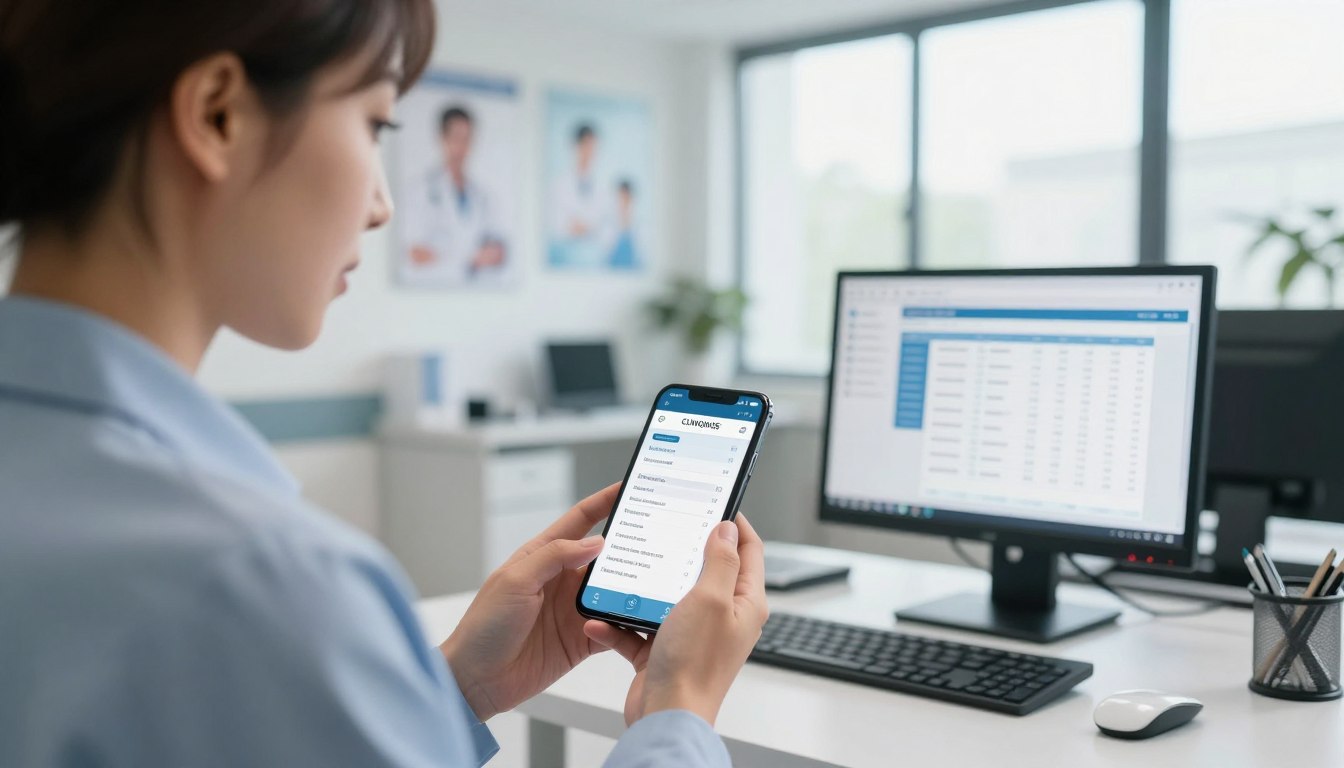
For clinic operations, Cliniqwise is positioned as clinic management software for Indian outpatient workflows. Nursing homes and facilities that need wider hospital OPD-IPD workflows can consider hospital management software.
Cliniqwise provides rapid single-screen OPD queue management and automated WhatsApp invoices and prescriptions. Owners can access daily collection and doctor-wise revenue reports on mobile. Staff can use the connected workflow to manage outpatient activity through the day.
The stated pricing is Flat Rupees ₹10,000 per year for Clinic Plan; Flat Rupees ₹20,000 per year for Nursing Home Plan (up to 25 beds). The plans use transparent flat Indian pricing with zero per-doctor commissions.
Choose the plan around your facility’s daily workflow, not a feature list detached from how staff work.
A walkthrough through hospital management system demo can help you see the workflow in context. Use it to discuss how your staff handle registration, doctor sessions, billing, and the daily report.
Match the plan discussion to the facility’s OPD workflow, number of beds where relevant, and the reports the owner needs to review.
A clinic should match its software to the handoffs it needs to control: outpatient registration, queues, consultations and collections, or wider coordination with IPD. Remote closing review is most useful when owners reconcile five daily measures against the staff’s signed cash and billing records.
Conclusion
A disciplined 8:00 PM review is a daily operating control that helps an owner verify recorded activity, reconcile cash and UPI, and resolve exceptions through named follow-up. Preparing the report before the review, with each unresolved difference assigned to a staff member and time, makes the next action clear.
Set a fixed evening review time and ask the responsible staff member to prepare the reconciled daily report beforehand. Keep the report ready for the owner, with any unresolved difference named and assigned.
Start tomorrow by assigning one staff member to prepare the reconciled report for the owner’s fixed 8:00 PM review.
Looking for an Enterprise Solution?
Discover how Cliniqwise helps clinics & hospitals automate workflows, reduce errors, and streamline patient care.
Frequently Asked Questions
What is the difference between standalone OPD software and a full HMS?
Standalone OPD software focuses on outpatient registration, queues, consultations, prescriptions and billing. A full hospital management system can connect those workflows with IPD and wider hospital operations. Choose scope by mapping departments, handoffs and reports the facility needs in one daily view.
How d oes a digital token queue system reduce patient waiting room crowding?
A digital Token Queue shows the called token on an LED or TV screen and can send live position updates to patients’ WhatsApp numbers. Patients can wait away from reception, while staff keep priority protocols visible for senior citizens and urgent emergency cases.
Can doctors send digital e-prescriptions directly to patients on WhatsApp?
Yes. Where the clinic’s system supports WhatsApp e-Prescription delivery, a doctor can send the completed prescription to the patient’s WhatsApp number after consultation. Confirm the patient’s number and apply the clinic’s consent and data-handling process before sending personal health information.
How can an owner review daily clinic collection and footfall reports remotely?
An owner can review reports remotely through mobile access when the OPD platform provides it. At 8:00 PM, check total footfall, new versus follow-up visits, settled cash and UPI, pending dues, cancellations, and doctor-wise collections, then compare unusual figures with the closing sheet.