Clinic Billing Software for OPD Cash, UPI, GST, and Fee Splits
Use clinic billing software to manage OPD cash, UPI, GST invoices, and fee splits, with accurate payment tracking for your clinic and simplify workflows.

Quick Answer
Clinic billing software is a cloud application that automates outpatient consultations, pharmacy sales, and diagnostic billing into a single unified GST invoice. It prevents daily cash leakage by cross-verifying physical cash and dynamic UPI receipts against token registers at day-end closing.
Why does your clinic's physical cash drawer rarely tally with counter UPI receipts and the OPD register at 8:00 PM? For Indian clinic owners, daily revenue leakage comes from small, unrecorded drops, not theft.
Integrated clinic billing software connects patient charges, payment evidence, and daily reports so owners can spot gaps before they grow. Clinic Owners, Polyclinic Directors, and MBBS/MD Doctors managing Indian OPDs must link cash, UPI payments, GST invoices, and doctor fee splits. A dependable close starts with a billable service recorded against the right patient and payment mode.
At a busy counter, one missed dressing charge or unverified UPI payment can leave the OPD register out of step with collections. This guide gives owners and front-desk staff practical controls for billing, payout records, and evening reports.
Key Takeaways
Connect each patient token to the services billed and payment received.
Review UPI transaction evidence instead of relying on a payment-screen claim.
Separate exempt clinical care from taxable invoice items.
Record doctor agreements before calculating doctor payouts.
Use a consistent shift report to trace cash, digital receipts, and dues.
What Is Clinic Billing Software?
Clinic billing software is a cloud application that unifies front-desk consultation charges, pharmacy sales, diagnostic tests, and procedure fees into a single reconciled GST invoice while tracking real-time daily cash and digital collections with patient-wise records, payment modes, and evening collection summaries for clinic owners.
In practice, billing software connects the patient ledger with services charged and payments recorded. The key test is whether each charge and receipt can be traced to one patient record.
Approach | Patient and service records | Charge consolidation | Payment tracking | Owner reporting |
Traditional Paper Registers | Handwritten patient and service entries | Separate pages or books by counter | Staff record cash and note digital claims | Manual totals from the registers |
Standalone POS Machines | Payment device may not hold patient records | Records payments, not every clinic service | Tracks card or linked digital transactions | Device transaction summaries |
Integrated Clinic Billing Software | Patient-wise consultation and service records | Combines consultation, pharmacy, tests, and procedures | Connects cash, UPI, card, and other modes | Daily and shift collection reports |
Choose a system that ties every service and payment to a patient ledger, then lets the owner review one daily collection.
Paper registers remain familiar, but a correction can be hard to trace across several books. A POS machine can confirm a transaction without showing which consultation, test, or medicine it paid for.
Integrated billing can record a consultation with a patient token, then add a pharmacy sale or diagnostic charge to that patient’s ledger. The invoice can show separate service lines and payment modes for later review.
Digital collections are easier to review when a receipt has a transaction reference and a matching patient bill. The key distinction is whether a consultation, test, medicine, and procedure can be tied back to one patient ledger and a reviewed daily collection.
Still Managing Hospitals With Paperwork & Registers?
Explore the hospital workflow platform built for ABDM, billing & digital healthcare.
5 Daily OPD Billing Bottlenecks in Indian Clinics
Daily OPD billing bottlenecks are points where patient services, payments, or payout records fail to reach one complete patient ledger. They commonly arise across separate counters, unverified UPI claims, manual doctor shares, GST classification, and delayed treatment entries. Linking services to patient tokens helps staff find omissions before closing.
Assign every service entry to a patient token before the patient leaves the counter. This gives front-desk staff a clear record to check, even when patients visit several departments.
Departmental Counter Silos
Registration, pharmacy, and pathology may each keep separate records. A patient can pay for a consultation at reception, buy medicine at the pharmacy, and complete a test elsewhere.
If each counter records only its own sale, a test or procedure may never appear in the unified patient ledger. Link the token and registration process once to OPD management software, then give each counter a clear way to record its service.
For example, a pathology payment should show the patient, test, amount, and payment mode. A procedure ordered during consultation also needs a service entry, not just a note in the doctor’s chart.
The 5:00 PM Mismatch
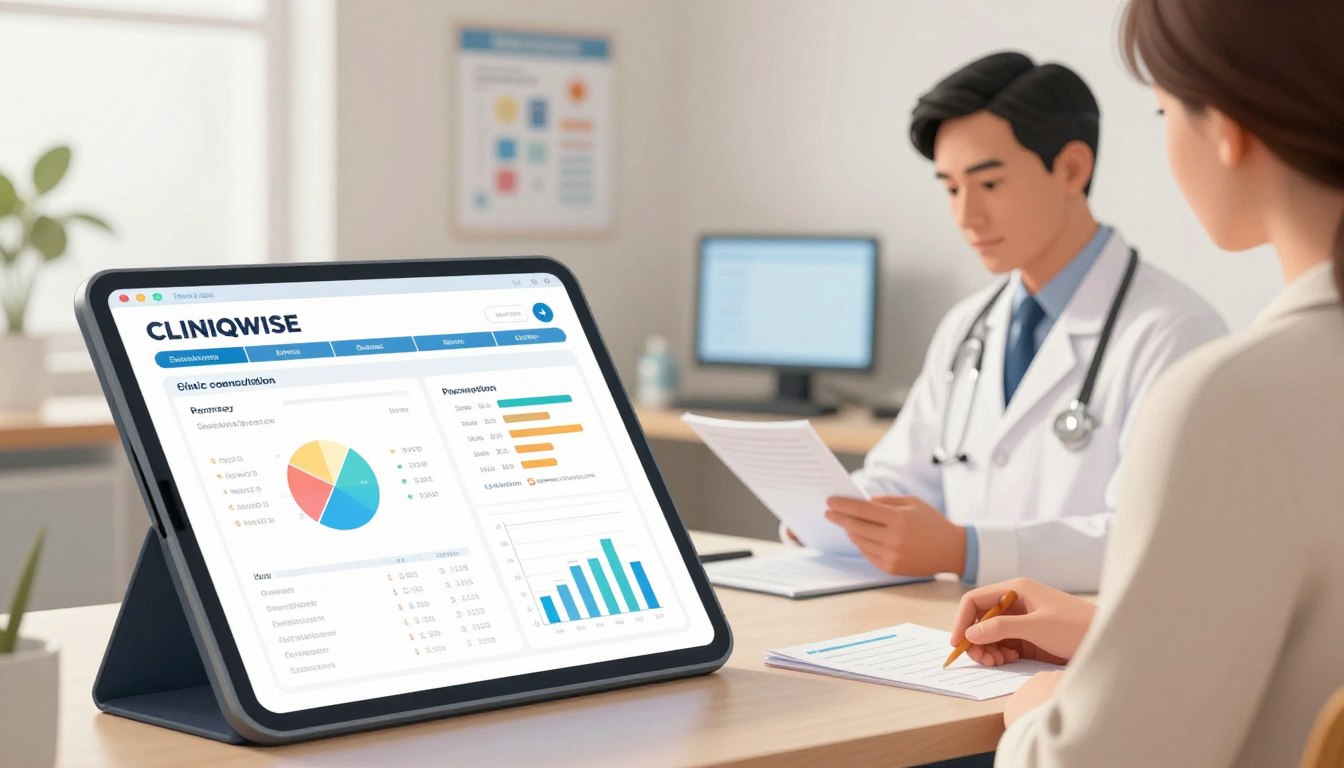
At 5:00 PM, one staff member may accept a patient’s claim that a UPI payment succeeded without checking its transaction ID. The clinic then records a receipt that may not match a completed payment.
A screenshot or success message on the patient’s phone is not enough to connect the payment to the clinic’s collection. The staff member needs a transaction reference linked to the patient bill.
Manual Doctor and Referral Shares
A clinic may calculate a visiting consultant’s share from daily bills and referral fees from a separate handwritten note. Small errors in eligible collections can become month-end disputes.
When the calculation has no recorded basis, the doctor and clinic may disagree about which visits, procedures, or adjustments count. Record the signed agreement and use patient-level collections to support the calculation.
GST Confusion
A clinical consultation and a taxable item may appear on the same patient bill. Staff can misclassify a line when they rely on a broad label such as “procedure” instead of the actual service or supply.
The clinic needs a clear way to separate clinical care from taxable items. The tax treatment depends on the supply and, for some procedures, the reason for treatment.
Delayed Nursing and Treatment Billing
Nursing staff may give an injection, provide nebulization, or apply a dressing after the initial consultation bill. A minor day-care bed charge can also be missed if staff add it after the patient leaves.
When treatment is not entered at the point of care, the front desk may not know it happened. A service entry should identify the patient and the charge before staff settle the bill.
A token-based workflow gives registration and each service counter a shared patient reference. Assign each service entry to a patient token before the patient leaves the counter.
Cash vs UPI: Why Front-Desk Registers Don't Tally at Closing
Cash and UPI closing reconciliation is the process of comparing recorded receipts with transaction evidence and counted physical currency. Differences can arise from unverified payment claims, QR transfers to personal accounts, pending settlements, or an uncounted shift float. Reviewing each mode and documenting handovers helps identify where the totals diverge.
Opening cash float means the cash kept at a counter to make change. Compare each payment mode with its evidence, then check the drawer against its expected balance.
Dynamic UPI QR and Personal Counter QR Risks
A dynamic UPI QR connects a payment to the clinic’s billing flow and may carry details for the bill. A personal counter QR can send funds to an employee’s account instead.
A patient’s success screen alone does not confirm that the clinic received funds. The payment may have gone to the wrong account, or the bank settlement may still be pending.
At 5:00 PM, staff should not mark a claimed transfer as received without its transaction ID. Record pending payments separately until the clinic can match them to its payment evidence.
Shift Handover and the Cash Tally Formula
Outgoing and incoming staff should count the opening cash float together and record the amount and handover time. An uncounted float makes the next shift responsible for cash it never received.
Use the same calculation for each shift, including approved petty cash expenses:
Closing Physical Cash = Opening Cash Float + Cash Consultations + Cash Pharmacy/Lab Receipts - Approved Petty Cash Expenses.
Keep the count with the shift record, not only in a verbal handover. Record any difference with its payment mode, transaction reference, and staff handover time.
Clinic GST Invoicing Rules: Exempt Consultations vs Taxable Items
Clinic GST invoicing separates exempt healthcare from taxable goods and services on the bill. Each line should reflect the actual supply, its applicable tax classification, and relevant HSN or SAC details. This lets a single invoice show clinical care alongside taxable items without treating every charge alike.
SAC, or Service Accounting Code, is a code used to classify services for GST invoicing. A single invoice can show exempt care and taxable supplies as separate lines.
Exempt Clinical Care and Taxable Supplies
Healthcare services for diagnosis, treatment, or care of illness, injury, deformity, abnormality, or pregnancy are exempt when clinics, authorized medical practitioners, or paramedics provide them.
This exemption includes OPD consultations and treatment. A dermatology visit for acne, psoriasis, or an infection is clinical care, while a cosmetic service may have a different tax treatment.
The purpose of the procedure matters more than a broad counter label. An invoice should describe the actual service so staff can apply its correct tax class.
Pharmacy, Aesthetic, and Room-Charge Classification
In-house pharmacy medicines and consumables attract 5%, 12%, or 18% GST according to their applicable medicine HSN codes. The product’s code, not a single clinic-wide rate, guides the line item.
Since September 22, 2025, purely cosmetic hair transplants, fillers, Botox for wrinkles, and aesthetic laser treatments are taxable at standard GST rates without input tax credit. The stated cosmetic treatment rules differ from reconstructive care after injury, trauma, burns, cancer surgery, congenital defects, or developmental abnormalities, which remains exempt.
Room charges can attract GST when hospital or day-care bed charges exceed the applicable regulatory exemption limits. The clinic should apply the relevant limit to the actual room or bed charge.
A Karnataka High Court ruling on April 30, 2026, found that healthcare delivered through another hospital under a revenue-sharing agreement could remain exempt under Entry 74 of Notification No. 12/2017-Central Tax (Rate). In that case, the service was not treated as taxable support service under SAC 9985 at 18%; the ruling is specific to its facts.
One Invoice, Separate Tax Treatment
A clinic supplying exempt healthcare and taxable items should show each type on its proper invoice line. The invoice can include an exempt consultation beside a taxable pharmacy sale without combining their tax treatment.
Under Rules 42 and 43 of the CGST Rules, a clinic must apportion input tax credit when it supplies both exempt and taxable services or goods. E-invoicing generally applies above ₹5 crore aggregate annual turnover in any financial year from FY 2017-18 onward.
Covered e-invoice transactions include B2B supplies, supplies to SEZs, exports, deemed exports, and supplies to government departments. Keep the relevant HSN or SAC details with each invoice line for billing and review.
Set the tax treatment by the actual supply and procedure purpose, not by the counter label alone.
Doctor Fee-Sharing and Preventing Missed Charges
Doctor fee-sharing is the method a clinic uses to calculate a clinician’s payout from an agreed fixed fee or share of eligible collections. The calculation should follow written terms and use recorded services, realized receipts, and approved adjustments. Linking visits and procedures to their doctor makes payout statements easier to check.
Use the agreed basis, not a default percentage, to calculate each doctor payout. The clinic should also record adjustments and the collections that actually arrived.
Fixed Fees and Percentage-Based Splits
A fixed fee gives the doctor an agreed amount for each eligible OPD patient. A percentage split applies a stated rate to collections the agreement defines as eligible.
Payout basis | What the agreement defines | What the clinic records |
Fixed fee per patient | Amount and eligible visit type | Patient visit and agreed fee |
Percentage of collections | Rate and eligible collection base | Realized amount and applied rate |
Tiered percentage | Collection bands and rate for each band | Band reached and rate used |
In the Healthcare Global Enterprises case, an agreement gave the clinical establishment 75% of actual gross collections realized from patients. That agreement’s 75% share is a case example, not a standard doctor share.
Procedure Revenue and Doctor Payout Sheets
Record ECG, nebulization, and minor-surgery revenue against the patient, facility, and operating doctor. The agreement should state how the clinic and doctor divide each service’s collected amount.
A referral fee also needs an approved basis and a record tied to the relevant referral. Keep the approved terms with the patient or service records used to calculate it.
A weekly or monthly doctor payout sheet can list visits, eligible collections, procedure revenue, adjustments, and the calculated amount. The clinic manager can compare each line with the agreement before approval.
Reconcile the payout sheet against the agreed basis and realized collections before approving a month-end payment.
For a percentage-based split: Doctor Payout = Eligible Realized Collections × Agreed Share Rate.
Where OPD Bills Miss Nursing, Test, and Procedure Charges
Missed nursing, test, and procedure charges are services delivered to a patient but absent from the bill. They often occur when staff enter treatments after consultation or record orders at a separate counter. Capturing each charge at the point of care and matching it to the patient record reduces omissions.
Enter nursing, treatment, and procedure charges when the service happens. The staff member recording the service should identify the patient and clinician.
Add Treatment Charges at the Point of Care
Give nursing and treatment staff a short capture check they can use before the patient leaves the care area:
Record injection administration, including the patient and service.
Enter nebulization and dressing charges after delivery.
Add ECG and minor-surgery entries against the correct patient.
Check eligible day-care bed and nursing charges before billing.
Note the responsible clinician for each procedure entry.
These checks help the front desk see services that do not appear on the original consultation bill. For complex IPD charges or multi-department invoices, hospital billing software may support a broader workflow.
Connect Prescriptions, Tests, and Counter Billing
Compare the doctor’s e-prescription with the pharmacy sale and patient token. A medicine written on the prescription should have a matching sale, return, or clear reason for no sale.
For diagnostic tests, compare orders with pathology billing and the patient’s service record. A test can be ordered during consultation but paid at another counter, so both entries need the same patient reference.
At the end of care, review treatment and procedure entries beside the counter bill. Match each procedure entry to a named patient, responsible clinician, and recorded charge before bill settlement.
Daily Collection Closing Checklist for the Front Desk
A daily collection close is a repeatable check of billing entries, digital receipts, physical cash, pending balances, and shift handover records. Following the same sequence helps staff identify unmatched transactions and report exceptions with supporting details. Backdated entries should remain subject to owner approval.
Backdated entries require owner approval. The receptionist should use this five-step sequence at each shift close.
Lock the day’s billing register; do not add backdated entries without owner approval.
Compare the UPI gateway digital settlement report with physical counter slips.
Count physical currency against the system cash summary.
Send pending-balance reminders through automated WhatsApp links.
Generate the shift settlement PDF and hand it to the clinic manager or owner.
Keep payment references with any digital receipt that does not match a counter slip. This lets the owner review an exception without treating a pending settlement as cash received.
The automated WhatsApp links give staff a direct way to send balance reminders. Use the recorded patient balance, not a guessed amount from a handwritten note.
The shift settlement PDF should reach the person responsible for reviewing that shift. The manager or owner should acknowledge receipt of the settlement PDF and any listed variance.
What Should an Evening Collection Report Show?
An evening collection report is a shift record that separates billed amounts from money received and shows collections by payment mode. It should also list pending balances, adjustments, cancelled bills, closing cash, and unexplained variances. Consistent fields let staff hand over the same evidence for review each day.
Report totals should match transaction evidence and the physical cash count. Keep exceptions visible instead of burying them in one combined figure.
Give each shift the same field checklist for its settlement PDF:
Opening cash float and cash receipts
UPI receipts with transaction references
Card and net-banking receipts
Approved petty-cash expenses and refunds or approved adjustments
Pending balances and cancelled bills or tokens
Staff and shift identifier
Closing physical cash
Variance and its explanation
Show physical cash, UPI, card, and net banking as separate payment modes. A combined digital figure can hide a missing transfer or a bank settlement that has not arrived.
Keep the amount billed separate from the money received. A patient can have a valid bill and an unpaid balance, so the report needs both values.
Record cancellations and adjustments with enough detail for the owner to trace the staff action. Keep billed totals, realized collections, pending dues, and cash variance as separate report values.
5 Numbers Every Clinic Owner Should Check Each Evening
The five evening measures are OPD footfall, doctor-wise patient distribution, realized collections by payment mode, outstanding balances, and cancelled tokens or no-shows. Reviewing them together shows whether recorded visits, bills, receipts, and appointment outcomes align. Comparing these figures daily helps owners identify gaps that totals alone may obscure.
Five evening measures show whether patient flow and collection records agree. Use the same review each day so a change does not get lost in the total.
Metric | Breakdown to review | Operational question |
Total OPD footfall | New registrations and follow-up visits | Did both visit types enter the daily record? |
Doctor-wise patient distribution | Patient count for each doctor | Do token totals match each doctor’s activity? |
Realized daily collections | Physical cash, UPI, card, and net banking | Does each mode match its payment evidence? |
Outstanding balances | Unpaid amount by patient or bill | Which dues need a follow-up action? |
Cancelled tokens and no-shows | Cancelled appointments and missed visits | Are appointment outcomes recorded correctly? |
New registrations and follow-ups help explain daily footfall. A large patient count does not prove that each visit had a bill or a recorded payment.
Compare doctor-wise distribution with the token record to spot missing or misassigned visits. Review outstanding balances separately from realized collections.
Cancelled tokens and no-shows show appointments that did not become completed visits. Investigate any unexplained gap between recorded bills, realized collections, and pending balances that evening.
How to Choose Clinic Billing Software for an Indian OPD
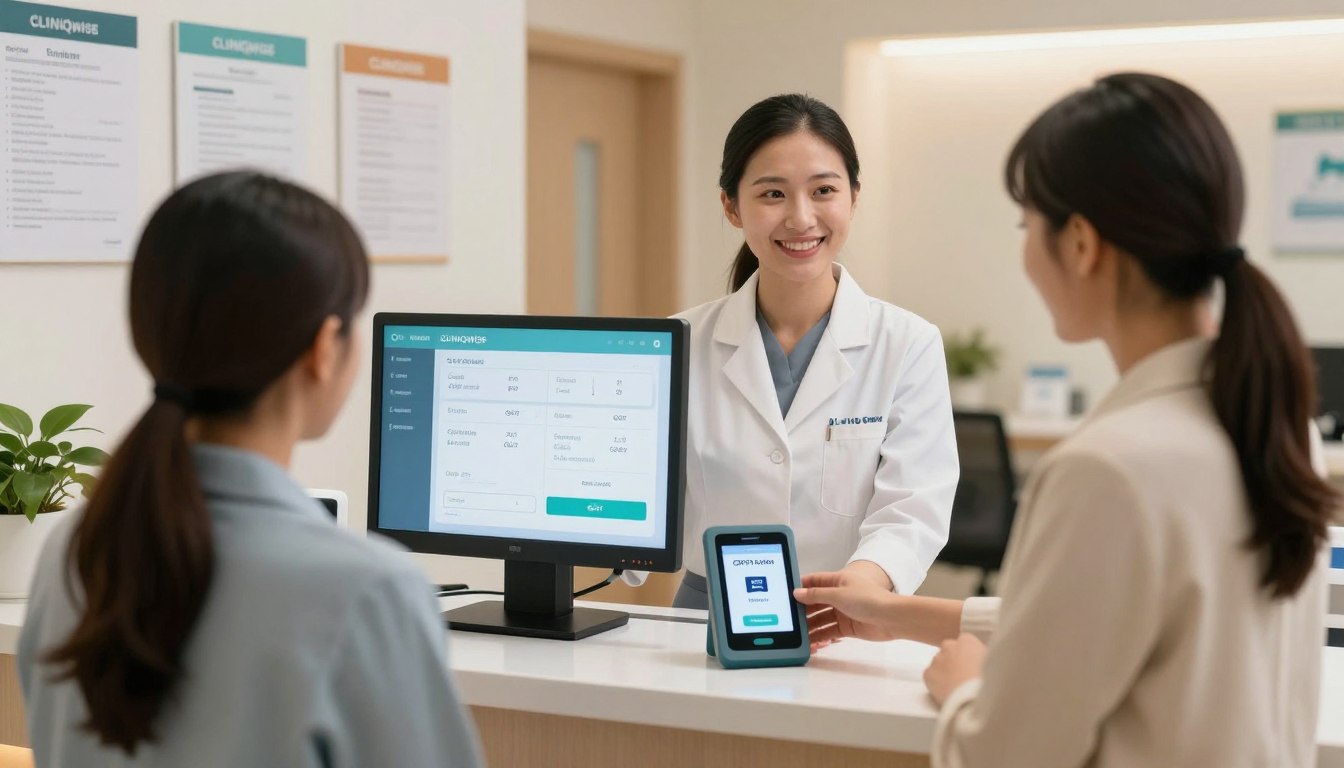
Clinic billing software selection is the process of matching a system’s functions to the clinic’s patient journey, counters, tax categories, staff roles, and reporting needs. Comparing those requirements against actual workflows helps owners evaluate fit before comparing plans. Write down required reports and approval roles before choosing.
Write down the required reports and approval roles before comparing software. A clinic or polyclinic can also review broader clinic management software needs alongside billing.
Match the Workflow to the Clinic’s Counters
Use this checklist to compare the clinic’s current work with the software’s stated functions:
Can registration, consultation, pharmacy, pathology, and procedure counters share patient records?
Can the clinic review doctor-wise visits and patient ledgers?
Can managers approve discounts, cancellations, and other exceptions?
Can staff produce the collection and service reports the owner needs?
Can staff use the system on the devices available at their counters?
Check OPD and IPD workflows separately if the facility manages both. Evaluate ABHA and Cashless TPA requirements only when they fit the clinic’s patient and payment process.
For more complex clinic management, list which departments need to share records and which team owns each bill. This keeps feature checks tied to real work rather than a long sales list.
Compare Pricing Models and Access Needs
Pricing model | What the owner should clarify |
Per-doctor subscription | How each added doctor changes the recurring fee |
Flat annual fee | Which services, users, and facility limits are included |
Commission or revenue share | What revenue is counted and how charges are reported |
Freemium with paid add-ons | Which basic functions are free and which add-ons cost extra |
Ask how staff access is managed when people change shifts or leave. Confirm who can edit rates, approve exceptions, and view financial reports.
Put the clinic’s must-have reports, approval roles, and payment modes in writing before comparing plans.
How to Control Billing Edits and Receipt-Book Risks
Billing edit control is the set of permissions and review steps that records who created, changed, discounted, or cancelled a bill or receipt. Individual staff logins, approved exceptions, and documented handovers make changes traceable. These controls help owners review mismatches, including during front-desk staff transitions.
Require approval for billing exceptions and keep a record of each change. This gives the owner a traceable action instead of a handwritten explanation.
Restrict and Review Bill Changes
Set access rules that match each staff member’s duties:
Give each front-desk worker an individual login.
Limit staff access to the tasks their role requires.
Require approval for discounts and cancelled bills.
Review the available edit history for changed records.
When a staff member leaves, remove their access and name the person taking over the counter. Review open tasks and unissued receipts with the incoming staff member.
Secure Manual Receipt Books During a Transition
Keep numbered receipt books in a named person’s custody. Record which book and number range staff use, and account for unused pages during handover.
If the system is unavailable, record each manual receipt against the patient, service, amount, payment mode, and staff member. Do not treat a blank or altered page as a reason to omit the receipt from review.
After service resumes, match manual receipts to entries in the system ledger. Reconcile every manual receipt to a patient ledger entry and record who approved the adjustment.
How Cliniqwise Automates Clinic Billing and Daily Reports
Cliniqwise describes functions for connecting OPD e-prescriptions with counter billing, sending GST-compliant PDF receipts and prescriptions through WhatsApp, tracking specified day-care charges, and viewing service-wise and shift-wise revenue reports on mobile. Its stated plans use flat annual pricing, with no hidden per-doctor commissions.
These functions connect patient billing, day-care charges, and daily reporting. Clinics can match the listed functions to their current OPD and small-facility workflows.
OPD Prescription-to-Counter Billing
Cliniqwise uses a single-screen OPD billing flow that connects a doctor’s e-prescription directly with counter billing. This lets the counter work from the prescription when preparing the patient’s bill.
For a clinic, that link can help staff handle consultation and prescribed items within the same billing process. The system’s stated function is the connection between the e-prescription and counter billing.
WhatsApp Receipts, Prescriptions, and Day-Care Charges
Cliniqwise can send GST-compliant PDF receipts and prescriptions to patients through automated WhatsApp delivery. This gives the clinic a digital way to deliver those documents.
For daycare and small nursing facilities, Cliniqwise tracks bed, nursing, and visit charges automatically. These are the specified charge types for those settings.
Use the service record to check that each delivered bed, nursing, or visit charge appears in the patient’s billing record. The stated product function covers tracking those charges.
Mobile Revenue Reports and Plan Terms
Cliniqwise provides automated service-wise and shift-wise revenue reports that staff can access on mobile. These views can support the owner’s review of counter activity and shift totals.
Cliniqwise serves 150+ healthcare facilities across India. Its support response is a 15-minute response time during office hours.
The Clinic Plan costs flat ₹10,000 per year. The Nursing Home Plan costs flat ₹20,000 per year for facilities up to 25 beds.
Both plans use stated flat yearly pricing with no hidden per-doctor commissions. Review the hospital management software pricing terms and plan fit against the facility’s needs.
Match the Clinic Plan or Nursing Home Plan to the facility type and stated bed limit before requesting a walkthrough.
How to Introduce Billing Controls Across Front-Desk Shifts
Introducing billing controls means mapping charge points, setting approved service and tax details, assigning staff access, and practicing a patient journey across counters. A written handover standard helps staff follow the same process for service entry, payment recording, and shift close. Review early reports to identify workflow gaps.
A short written handover standard helps new and existing staff follow the same process. Use these steps to set up the work across registration, consultation, pharmacy, pathology, treatment, and procedure billing.
Map every counter and charge point, including treatment and procedure areas.
Enter approved services, tax treatment, and doctor agreements.
Assign individual staff access and name who approves exceptions.
Rehearse OPD, pharmacy, pathology, and procedure billing with a sample patient journey.
Review the first shift reports with the responsible manager.
During practice, ask staff to show where they record a service and how the counter finds it. This can reveal gaps between clinical notes and billing entries before routine use.
Name one manager to own the service list, staff permissions, and handover procedure.
Give new staff a written process for token registration, service entry, payment recording, and shift handover. The manager can review the process when counters or staff duties change.
Conclusion
Daily clinic billing control is a recorded process that connects OPD charges, payment modes, doctor shares, and shift reports. Owners can assess whether the process fits by tracing a patient journey across their facility’s counters and services. A walkthrough should show how those records connect from service entry through closing.
Schedule an interactive hospital management system demo to explore flat-rate cloud software built for Indian healthcare without per-doctor fees.
Looking for an Enterprise Solution?
Discover how Cliniqwise helps clinics & hospitals automate workflows, reduce errors, and streamline patient care.
Frequently Asked Questions
Does clinical consultation in an Indian clinic attract GST?
No, qualifying outpatient consultations and treatment by registered medical practitioners are exempt as healthcare services. The exemption covers clinical care for diagnosis, treatment, or care of illness, injury, deformity, abnormality, or pregnancy. Medicines dispensed through an in-house pharmacy have applicable HSN-based GST, so the invoice should show those items separately from exempt consultation charges.
How does clinic billing software prevent front-desk cash leakage?
Clinic billing software helps prevent leakage by linking patient tokens and prescribed services to bills, limiting discounts to approved actions, and matching shift cash with payment evidence. Staff should compare UPI collections with transaction references before closing. This helps the owner identify an unpaid balance or a payment sent to the wrong account instead of treating it as received.
Can patients receive their bills on WhatsApp instead of printed paper?
Yes, Cliniqwise can send GST-compliant PDF invoices to the patient’s registered WhatsApp number upon payment confirmation. Automated delivery can give patients a digital copy without requiring staff to print each bill. The clinic should still keep its own billing and payment records so staff can review the transaction if a patient later needs help.
How are doctor consultation share percentages calculated in polyclinics?
Polyclinics calculate a doctor’s share by applying the written agreement to eligible collections. The agreement may set a fixed fee per patient, a percentage of collections, or tiered rates based on stated collection bands. A doctor-wise payout statement should show the basis, realized amount, adjustments, and resulting payout. No single percentage is a standard share for every clinic.